Guide
Best music visualizer software in 2026, sorted by what you are making
A sourced 2026 guide to music visualizer software, grouped by what you are making: song videos, audiograms, sound wave art, live visuals, player visualizers and DIY tools.
Key facts
- There is no one best music visualizer. A rendered video of a song, a captioned podcast clip, a printed waveform, a live VJ set and a player pretty-picture are different jobs, and the right tool follows the job.
- Every price and feature below was read on that tool’s own site on 17 November 2026. Where a page did not state something, or the HTML was not readable, this page says so. It does not invent plan numbers, watermarks or test results.
- WaveMotion and WaveVisual are made by the publisher of this site. They appear only where the facts fit. They are not a button on this page.
Checked on .
A guide to audio visualizer software, grouped by the file or the show you are trying to make. The British spelling visualiser is the site name; titles and body copy use visualizer. This is not a single score.
This page does not report hands-on measurements of other products’ frame rate, watermark, or export quality.
How this page was put together
This is a map of the tool directory, not a ranked championship. Tools appear in a job section when their own site describes that job. A one-line description is taken from what the official page states, then linked to our fact page for that tool.
Publisher tools are labelled “Made by the publisher” and are held to the same rule: only claims that wavemotion.app or wavevisual.com stated on 17 November 2026.
Prices, watermarks, resolution caps and “audio stays local” claims are included only when the official page said them on that date. A limited-time sale is labelled as a sale. A JavaScript pricing page that did not expose numbers in the HTML we could read is marked not readable, not guessed.
The 14 curated lists remain the place for an ordered shortlist of one query, such as free music visualizers with no watermark. This page tells you which list to open.
Pick by what you are making
| If you want… | The job | Start with |
|---|---|---|
| A video of a song for YouTube, Shorts, Reels or TikTok | Rendered music visualizer | Free music visualizers, no watermark, Specterr alternatives, browser tools that keep audio local |
| Lyrics timed over a visualizer | Still a rendered song video | Specterr alternatives; Vizzy and WaveMotion (ours) both state lyric video features |
| Visuals that follow drums, bass or vocals separately | Stem-reactive, live or rendered | Stem-reactive music visualizers |
| A short vertical loop for the Spotify mobile player | Spotify Canvas | Spotify Canvas makers and Spotify’s own Canvas guidelines |
| Generated, cinematic footage rather than bars or a waveform | AI music video, a different job | AI music video generators |
| Cloud template libraries such as Renderforest or Videobolt | Rendered, usually watermarked on a free plan | Renderforest and Videobolt alternatives |
| A captioned spoken clip for a feed | Podcast audiogram | Best audiogram makers and visualizer vs audiogram vs sound wave art |
| A still or a print of a recording | Sound wave art | Best sound wave art generators, free waveform image tools |
| Pictures on a screen, a projector or a stream, while the music plays | Live visualizer | Live visualizers for VJs, DJs and streamers, live vs rendered, HYPERFLUX alternatives |
| Patterns to watch while you listen, not a file to upload | Player visualizer | MilkDrop, projectM, Butterchurn and player visualizers and the desktop and player guide |
| A waveform or spectrum from the command line or a few lines of code | DIY | DIY: FFmpeg, libraries and code and Make an audio visualizer with FFmpeg |
If you are not sure which row that is, start with what is an audio visualizer and types of audio visualizers.
A song becomes a video
A rendered visualizer reads a finished track and writes a video file: spectrum bars, a waveform, particles, a lyric video, or a vertical clip. It is judged on the file it writes — resolution, frame rate, length, whether audio is uploaded, and whether a free export carries a watermark. A live tool that you record is a longer route; see live vs rendered visualizers.
| If you need… | Look at | Why, from its own site, 2026-11-17 |
|---|---|---|
| A free local 4K export, no account, no watermark, nothing uploaded | Vizqon | 20+ styles; MP4 or WebM up to 4K at 24, 30 or 60 fps; 16:9, 9:16 or 1:1. Source: vizqon.com |
| Per-stem mapping, lyric videos and 4K, still free and local | WaveMotion (Made by the publisher) | Stems analysed separately; LRC/karaoke lyrics; 16:9, 9:16, 1:1 and 4:5; up to 4K at 24–60 fps; no watermark and no account. Automatic stem splitting is listed as coming soon. Source: wavemotion.app |
| A free local export with more layout control, including transparent video | Music Visualizer Lab | No account, no watermark; audio stays in the browser; files up to 50 MB and ten minutes; export from 480p to 4K. Source: musicvisualizerlab.com |
| A simple free visualizer with a microphone option | SoundTools Music Visualizer | 14 styles and 24 colour themes; 16:9, 9:16 and 1:1; no account, no watermark, nothing uploaded. Video export with audio is stated to work in Chrome, Firefox and Edge; Safari is limited. Source: soundtools.io/music-visualizer |
| Beat-synced templates, with a free standard export and a paid Pro layer | Shimga | Standard videos export up to 4K at 60 fps with no watermark and no sign-up; audio is analysed in the browser. Pro looks need a Pro plan or credits to export. Source: shimga.app |
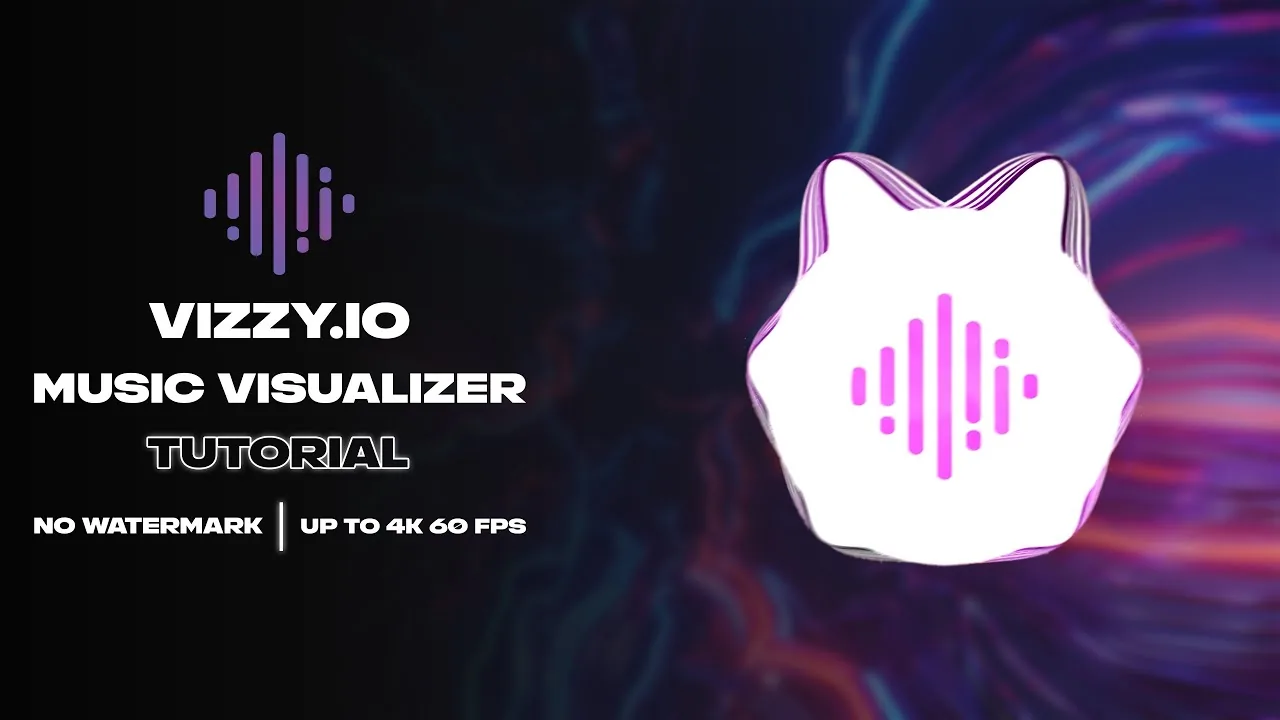
| A free lyric video and visualizer with 4K and no watermark | Vizzy | The homepage lists up to 4K, up to 60 fps, no watermarks, portrait, landscape and square, and lyric videos. Pricing plans were not stated as a paid grid on the HTML we could read. Source: vizzy.io |
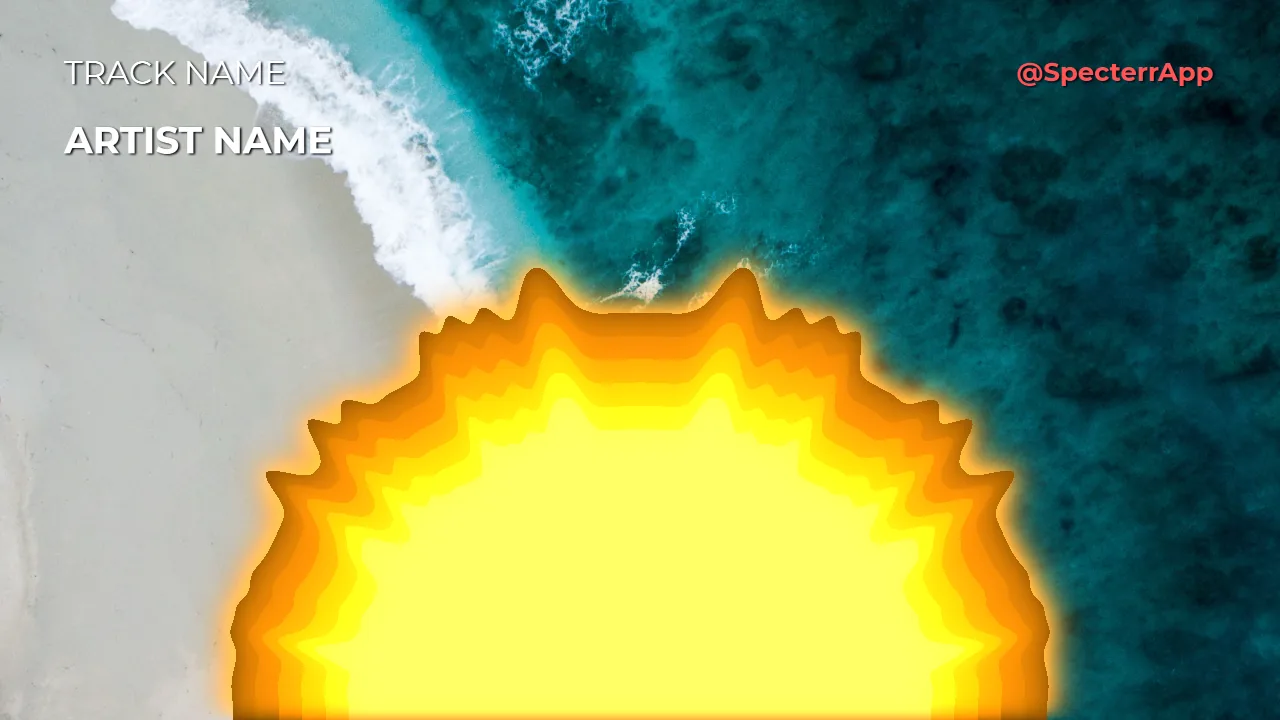
| Cloud templates and a lyric video maker | Specterr | The official site presents a browser visualizer and lyric video maker. Plan prices, watermark rules and resolution caps were not readable from the page HTML on 17 November 2026, so they are not invented here. Source: specterr.com |
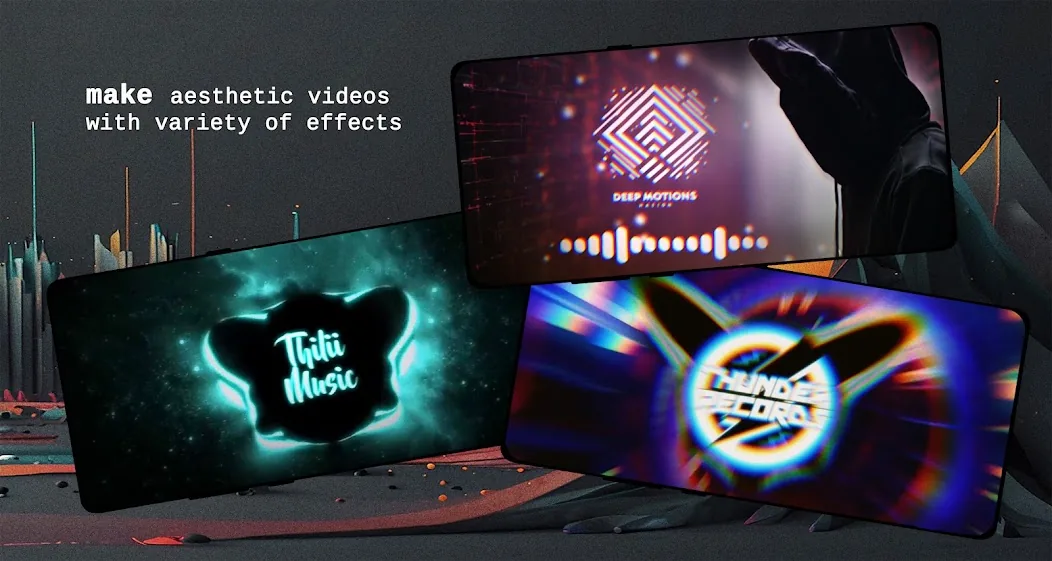
| An app on Android or Windows, including video export | Avee Player | Free to download, with optional premium features. Export is offered up to 4K. The FAQ discusses an app logo watermark on exports and unlocking it with Premium. Source: aveeplayer.com |
WaveMotion is ours. It is in this table because wavemotion.app states a free, no-watermark, no-account browser export with per-stem mapping and lyrics — not because this page crowned a winner. Vizqon is listed first in the free/local row because its homepage leads with every style and resolution being free, with nothing uploaded. For the ordered shortlist of that query, use free music visualizers with no watermark.
Shimga’s site, read the same day, listed Pro at $5 a month, $48 a year, a lifetime price of $229 plus tax, and $3 for six Pro exports. A video that uses Pro elements needs Pro or credits; a standard video can be exported without them.
Canvas, templates and AI are adjacent jobs. Canvas for Music describes itself as free 8-second loops from cover art; the vinyl preset is stated to spin at a constant rate, so it is not an audio-reactive visualizer. Source: canvasformusic.com. Check Spotify’s Canvas guidelines before you upload. Renderforest and Videobolt belong with cloud template platforms; several official pricing pages in that group have been hard to read from HTML, so this page does not guess their plan numbers. See Renderforest and Videobolt alternatives.
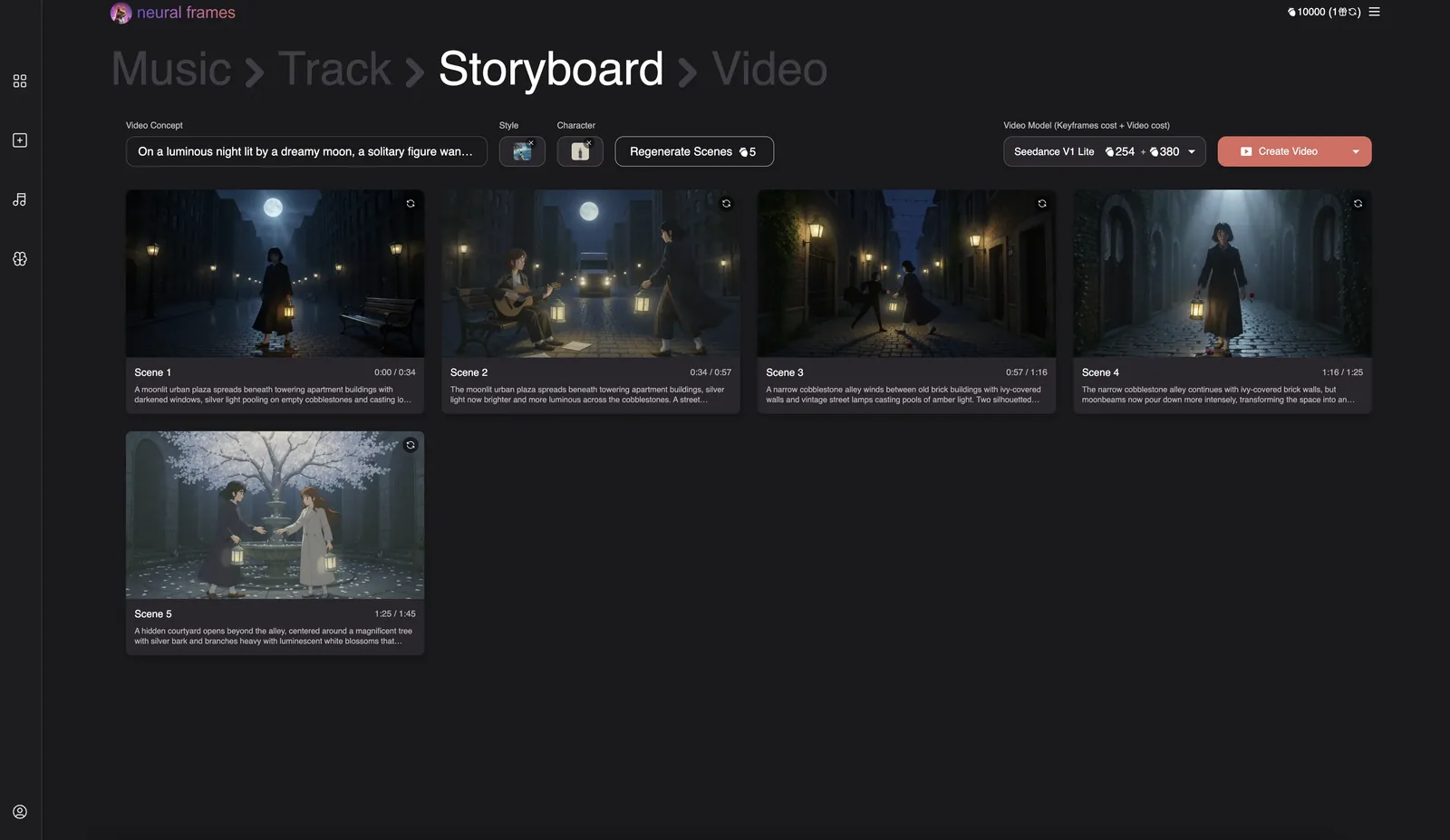
Neural Frames is a generative AI music video tool, not a deterministic visualizer. Its pricing page on 17 November 2026 listed Neural Knight at $39 a month or $26 a month billed yearly ($312 a year), Neural Ninja at $99 or $66 a month billed yearly, and stem extraction and lyric/lipsync among the features. 4K upscaling was listed on Ninja and higher, not on Knight. Source: neuralframes.com/pricing. If that is the job, open AI music video generators rather than mixing it into a bars-and-waveforms shortlist.
A spoken clip becomes a social video
A podcast audiogram is a short captioned clip, usually with a waveform, sized for a feed where many people scroll with the sound off. The words matter more than the motion. It is not a music visualizer; the side-by-side is on visualizer vs audiogram vs sound wave art.
| If you need… | Look at | Why, from its own site, 2026-11-17 |
|---|---|---|
| A podcast-first clip maker with captions, templates and auto-posting | Headliner | The pricing page listed Basic at $9.99 a month (shown as was $14.99), with 10 unwatermarked audiograms a month and 1080p for videos up to 10 minutes, and Pro at $25.99 a month (shown as was $29.99) with unlimited unwatermarked videos. Video clipping and captioning were marked free for a limited time. Source: headliner.app/pricing |
| A podcast social-video editor with a free trial and monthly export caps | Wavve | “Try it for free. No credit card required to start creating.” Starter was listed at $9.99 a month, or $7.99 on the annual toggle, with 70 upload minutes and 18 exported videos a month. Pro was $24.99, or $19.99 on the annual toggle. Watermark rules were not stated on the pricing page we read. Source: wavve.co/pricing |
| A free local audiogram, captions on the device, no watermark | Wayvl | No signup, no watermark; audio stays in the tab; captions are made on the device; MP4 export; clips up to five minutes; 1:1, 9:16, 16:9 and 4:5. Source: wayvl.com |
| A design-led waveform or audiogram export, free to design | WaveVisual (Made by the publisher) | No sign-up to start a design. Exports are paid: $9.00 per design, Unlimited at $29 a month with a “Save 51%” annual option, or $39 for 100 credits. Video export is listed as MP4, GIF, WebM and MOV at 1080p and 60 fps. A free-export watermark policy was not stated on the pricing page. Source: wavevisual.com/pricing |
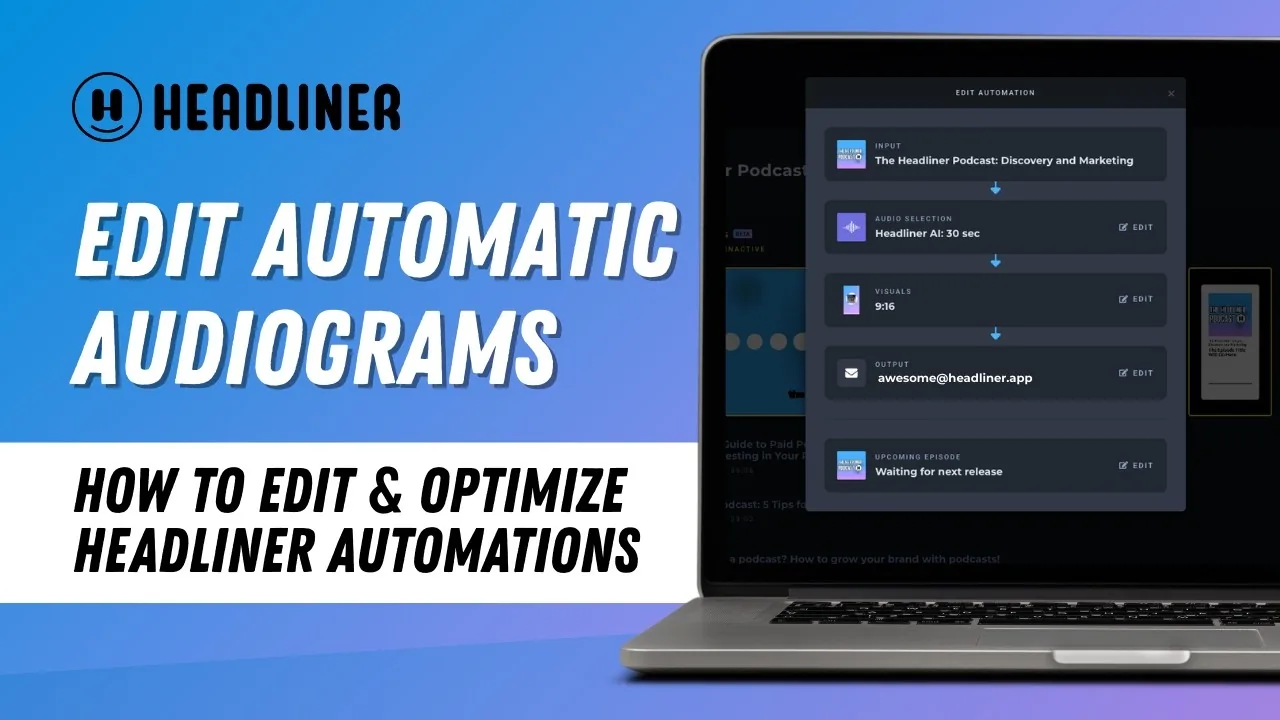
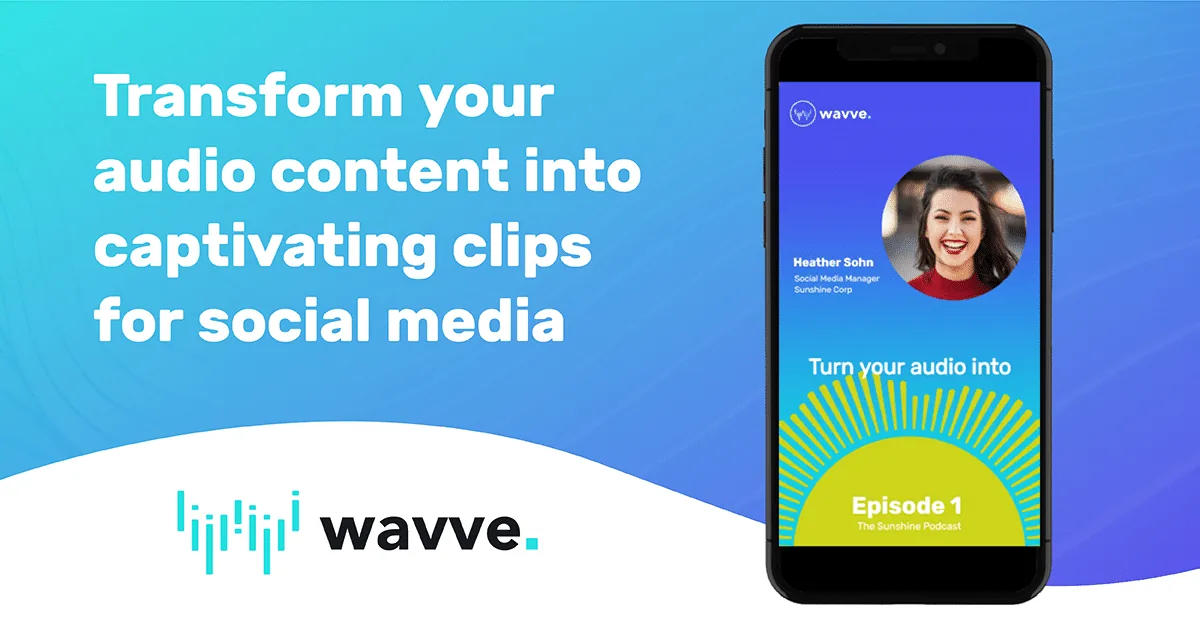
WaveVisual is ours. It is listed here as a design-and-export tool, not as a full podcast suite with RSS auto-posting. Headliner and Wavve lead that job on best audiogram makers, which also includes editors such as Descript, Riverside, Kapwing and Canva.
The annual dollar amount behind WaveVisual’s “Save 51%” toggle was not written out as a figure in the pricing HTML we could read, so it is not invented here.
A sound becomes a still or a print
Sound wave art is a frozen picture of amplitude over a span of time: vows, a first-dance song, a heartbeat, a voice message. A short, clear recording matters more than a clever live effect. What sound wave art is sits on the comparison page.
| If you need… | Look at | Why, from its own site, 2026-11-17 |
|---|---|---|
| A browser designer with print-ready stills and a paid export | WaveVisual (Made by the publisher) | Still exports listed as PNG, JPG, SVG and PDF, with 300 DPI mentioned for printing; commercial licence included on paid plans. Design can start without a sign-up; export is paid, at the prices in the audiogram section above. Source: wavevisual.com/pricing |
| A free local waveform picture, PNG or SVG, no signup | M2Toolkit Audio Waveform Generator | Audio is processed on the device and never uploaded; no account. SVG is recommended on the page for print. Source: m2toolkit.com/tools/audio-waveform-generator |
| A still from the command line, with a printed command | FFmpeg | The showwavespic filter draws one still for the whole file. Commands we have actually run are on the FFmpeg guide. Official project: ffmpeg.org |
| A free open-source audio editor, then an exported image | Audacity | The site describes Audacity as a free, open-source audio editor and recorder. Source: audacityteam.org |
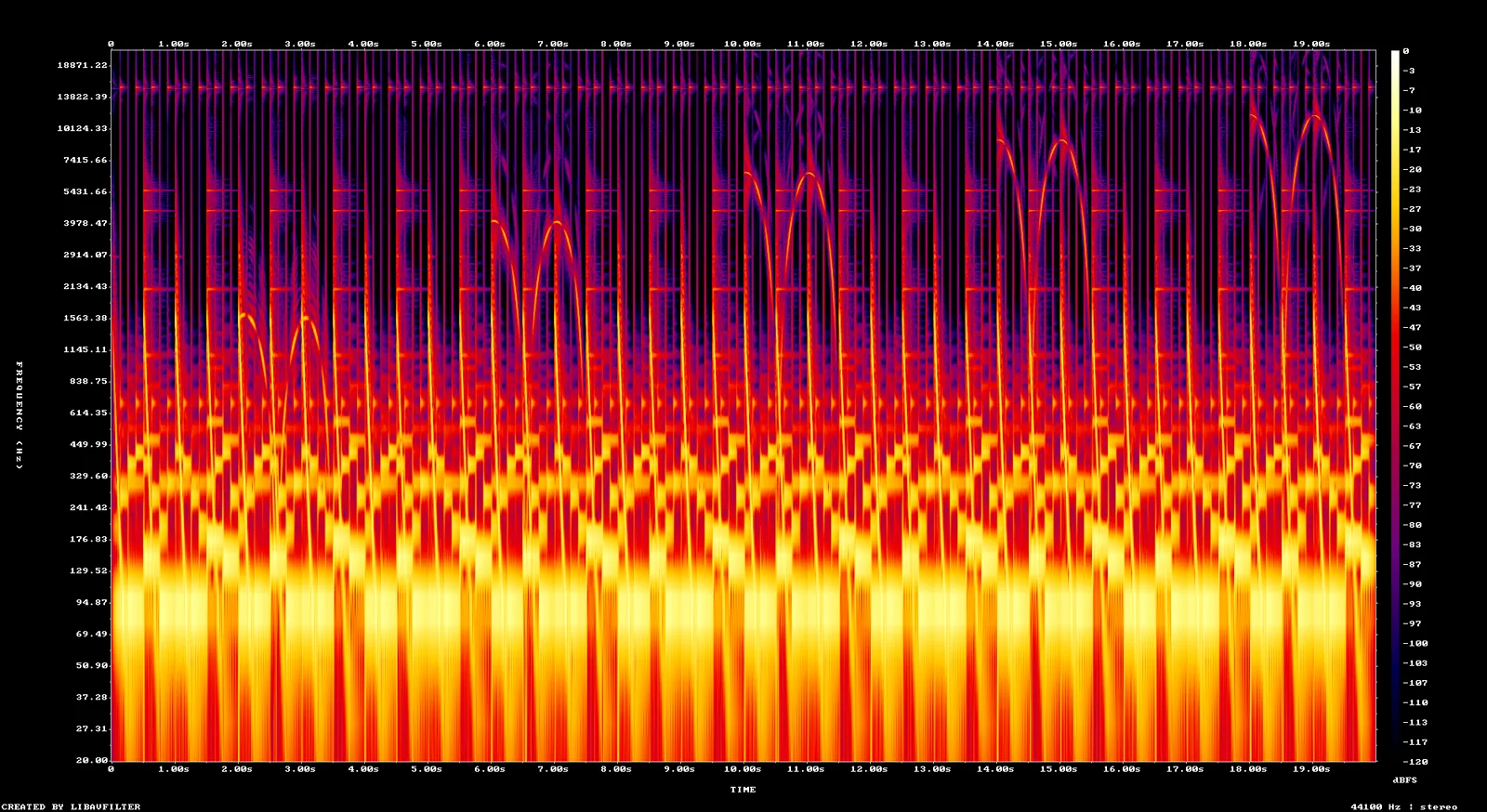
WaveVisual is first in this table only as a disclosed designer that matches the print-and-export job. Free download tools and paid print sellers are different intents; both appear on best sound wave art generators and free sound wave art and waveform image tools. Shimga also describes a sound-wave art / poster workflow on shimga.app.
SoundViz’s homepage did not yield a readable price list in the fetches we ran on 17 November 2026, so a print-from price is not restated here.
Visuals drawn while the music plays
A live visualizer draws each frame as the sound arrives and sends it to a screen, a projector or a streaming app. You judge it on keeping up, on control (MIDI, OSC) and on outputs such as Syphon, Spout or NDI. A rendered MP4 is a different purchase. The distinction is in live vs rendered visualizers.
| If you need… | Look at | Why, from its own site, 2026-11-17 |
|---|---|---|
| Stem-reactive live scenes, plus a lighting console, at a one-time price | HYPERFLUX | macOS and Windows. Visuals stated to follow drums, bass, vocals and melody separately; 33 scenes; MIDI; recording; a full trial with watermarked output and no sign-up. Standard $39 one-time with lifetime updates; Pro $79 one-time adds Art-Net, sACN and USB-DMX to real fixtures. The site says the web build can be added as an OBS source. Source: hyperfluxvj.com |
| Clip-based VJ software, including projection mapping on Arena | Resolume Avenue & Arena | Shop price for one computer: Avenue €299.00, Arena €799.00. Trial has a Resolume logo on the video output and a robot voice in the audio, with no time limit stated on the shop page we read. A licence includes free updates for 12 months; the last eligible update keeps working. Source: resolume.com/shop |
| Generative shader scenes, with MIDI and, on Pro, Syphon, Spout, NDI and OSC | Synesthesia | Unlimited trial period, no sign-up necessary, watermarked video output. Licences are described as perpetual. On 17 November 2026 the pricing page advertised a limited-time Black Friday sale: Standard $99 (listed $199) and Pro $249 (listed $399). The FAQ still describes upgrading from a $199 Standard licence to a $399 Pro licence. Full Syphon, Spout and NDI, and OSC, are listed on Pro. Source: synesthesia.live/pricing |
| A free real-time visualizer in the browser, including video export | vizz.fm | Free, no sign-up. Microphone, local file, SoundCloud link or system audio. Video export of an MP4 is stated to need Chrome or Edge on a desktop. Source: vizz.fm |
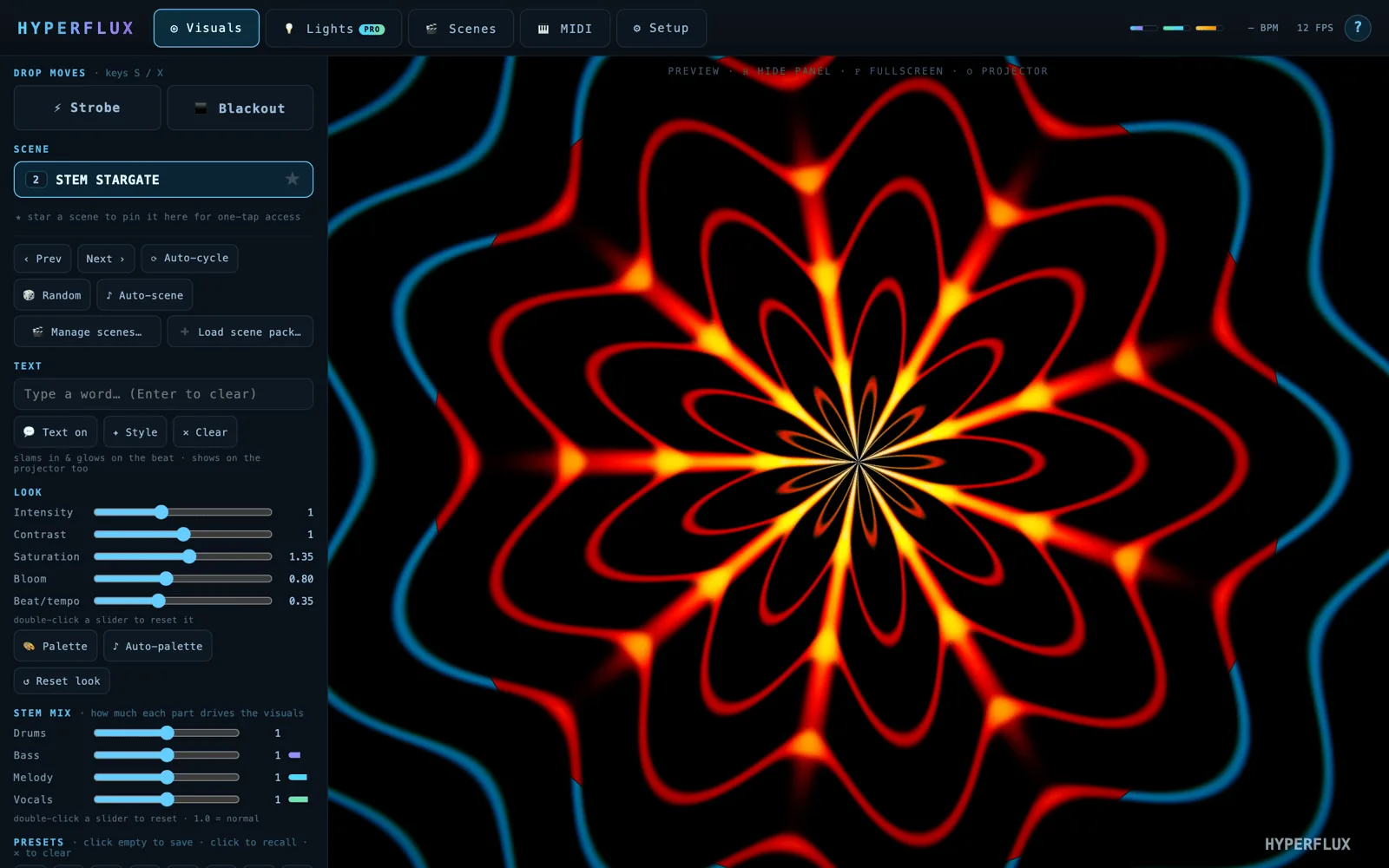
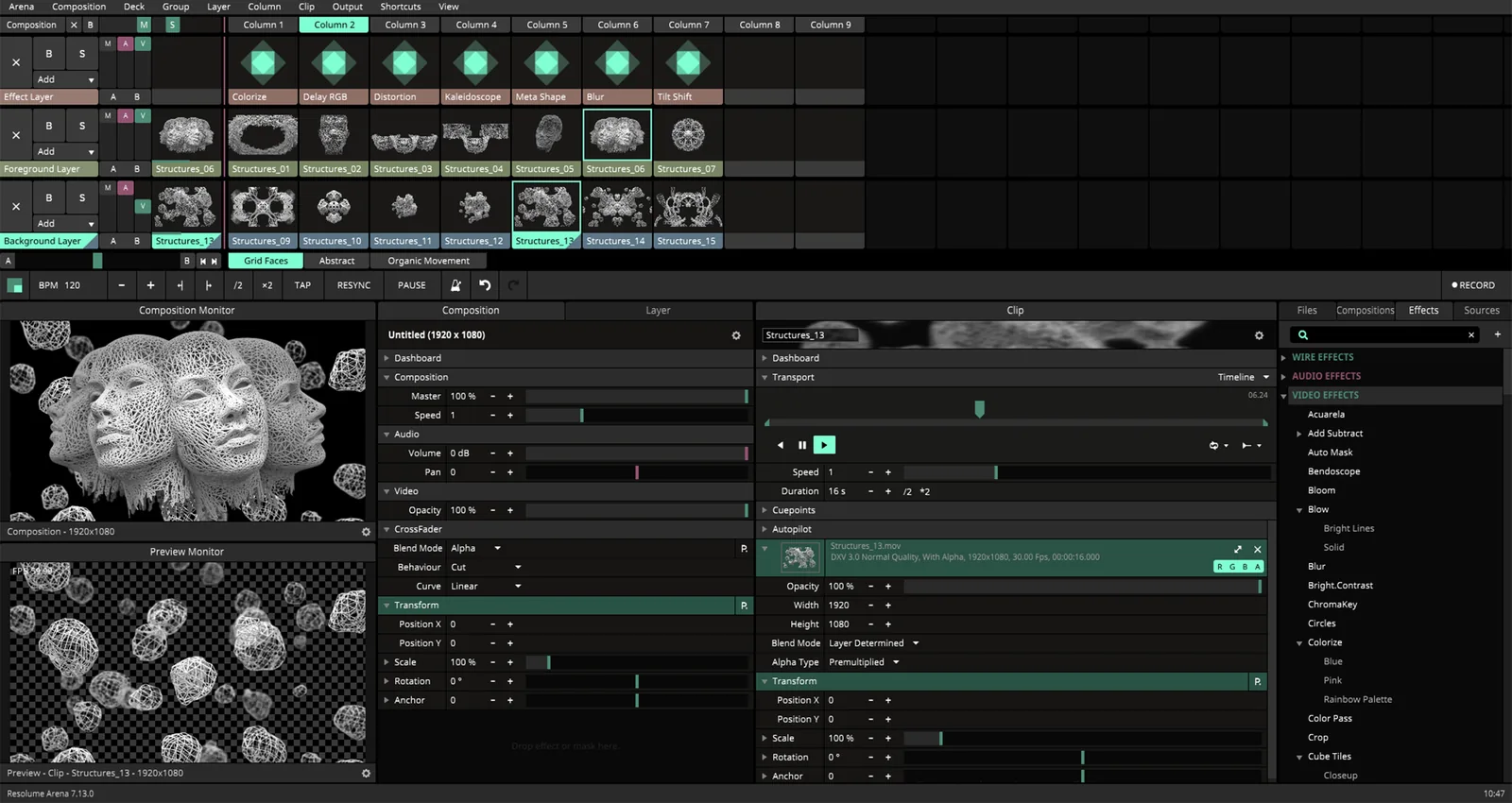

HYPERFLUX, Resolume and Synesthesia all offer a watermarked trial, so you can test your own audio and output before paying. Prices change; the Synesthesia sale in particular is dated because it was marked limited-time on the day we read it.
Magic Music Visuals, TouchDesigner, Notch, VDMX and Halofloor are in the live visualizers list and in the directory. Magic Music Visuals’ official site returned a Cloudflare challenge from this environment on 17 November 2026, so its prices are not restated here. TouchDesigner’s homepage at derivative.ca invites a download and an account; commercial licence figures were not confirmed on the pages we could read today.
If you actually need a video file to upload, a rendered tool is the shorter path. WaveMotion, which we make, is one; FFmpeg is another. They are not live VJ replacements. That fork is written out in HYPERFLUX alternatives.
A visualizer inside your music player
A player visualizer draws while you listen, inside a music app, a screensaver, or a browser player. It is for watching, not for publishing a video. Mixing this job with a YouTube visualizer is how people buy the wrong thing.
| If you need… | Look at | Why, from its own site, 2026-11-17 |
|---|---|---|
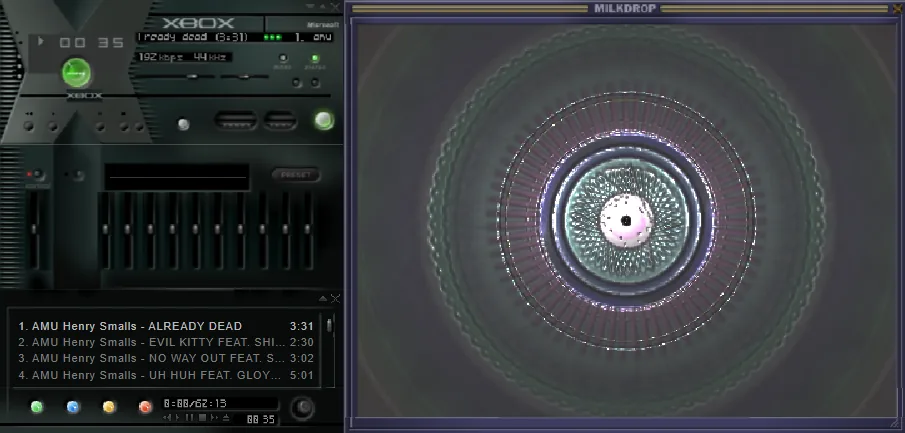
| A standalone Windows continuation of MilkDrop | MilkDrop 3 | The MilkDrop3 GitHub repository describes MilkDrop 3.0 as supporting any audio source, with notes on Windows 11 compatibility and on launching another program such as Winamp, Spotify or foobar2000 alongside it. |
| An open-source, MilkDrop-compatible visualizer across platforms | projectM | GitHub describes it as a “Cross-platform Music Visualization Library. Open-source and Milkdrop-compatible.” Project site: projectm-visualizer.org. Source also: github.com/projectM-visualizer/projectm |
| A 3D scene visualizer and sound-reactive screensaver | Plane9 | Over 250 predefined scenes, combinable; standalone window, screensaver, or Oculus Rift / HTC Vive. Reacts to what you are listening to, including Spotify, iTunes, or a microphone. Source: plane9.com |
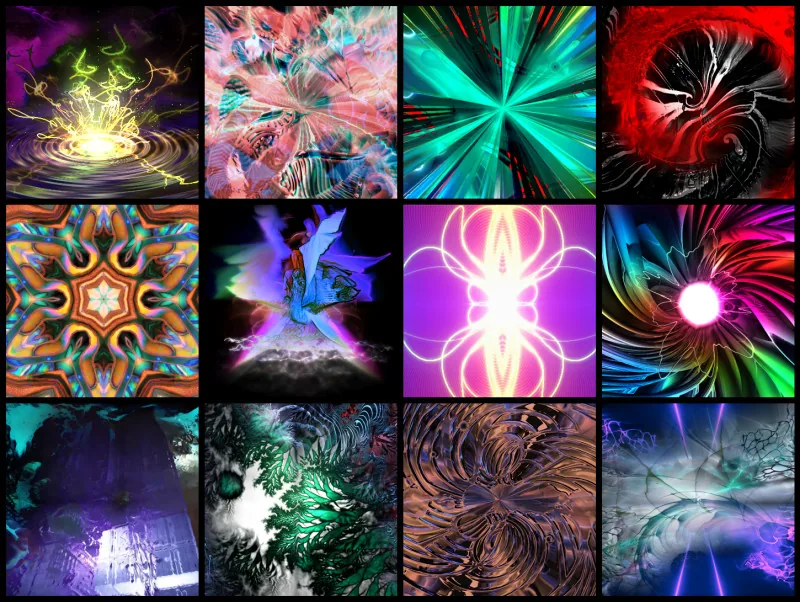

Butterchurn and Webamp are in the player visualizer list and the desktop and player guide. Both official sites loaded as JavaScript apps on 17 November 2026 and did not expose a readable feature list in the HTML we fetched, so this page does not invent one. VLC is a free open-source media player (videolan.org/vlc); this page does not restate a visualisation plug-in list that was not on the homepage we read.
Make one yourself
FFmpeg ships visualizer filters in many builds: a waveform, a frequency display, a spectrogram, a vectorscope. We have run commands and printed the output frames on Make an audio visualizer with FFmpeg. That is the one place on this site that reports a hands-on result, and it is a command-line test of FFmpeg, not a comparison of commercial products.
| If you need… | Look at | Why, from its own site, 2026-11-17 |
|---|---|---|
| A command-line waveform, spectrum or spectrogram | FFmpeg | Official project: ffmpeg.org. Filters and tested commands: the FFmpeg guide |
| A free open-source audio editor, including a waveform view | Audacity | audacityteam.org describes it as a free, open-source audio editor and recorder |
| A browser creative-coding starting point | p5.js | p5js.org is the official library site. How far you get toward a visualizer depends on the p5.sound documentation and your own code, not on a finished export preset |
audioMotion and Audiogram (NYPR) stay on the DIY list. On 17 November 2026, audiomotion.me redirected to documentation at audiomotion.app; treat that live URL as the one to confirm before you cite library details. These tools are free; your time is not.
Questions
Is there one best music visualizer software?
No. “Best” only makes sense after you name the output: a video file, a live signal, a still, or something to watch while you listen. This page is sorted that way on purpose. If you want a scored shortlist for one query, use the list for that query, such as free music visualizers with no watermark.
What is the difference between a visualizer, a music video and a lyric video?
A music visualizer draws from measurements of the sound, such as loudness and frequency, whether or not there is a camera performance. A performance music video is filmed or staged. A lyric video is typography timed to the words; it can sit on top of a visualizer, and several rendered tools (Vizzy, WaveMotion, and Specterr as a lyric video maker) describe that combination. They are not the same object.
Which music visualizer is free and has no watermark?
On 17 November 2026, Vizqon, WaveMotion (ours), Music Visualizer Lab, SoundTools and Shimga’s standard export all stated a free export with no watermark. Vizzy’s homepage also listed “no watermarks.” A free plan that still stamps the picture is not a no-watermark export; see the glossary entry for watermark. The ordered list is free music visualizers with no watermark.
How do I make a music visualizer video for YouTube, TikTok, Reels or Shorts?
Decide the aspect ratio first: 16:9 for a full-length YouTube upload, 9:16 for Shorts, Reels and TikTok. Use a finished master, pick a rendered tool from the song-video section, export an MP4, and check sync and text safe areas on a phone. For a command-line start with no account, use the FFmpeg guide. This site does not yet have a separate platform-by-platform tutorial.
Do I want a live visualizer or a rendered one?
If the picture has to appear while a set or a stream is happening, you want live. If you need a file to upload later, you want rendered. Recording a live tool is possible, but you are limited by what the computer can draw in real time. The comparison is in live vs rendered visualizers.
What about a Spotify or Apple Music visualizer?
Those searches often mix three things: the moving picture inside a streaming app while you listen (a player visualizer, when the app offers one), a Spotify Canvas (a 3–8 second vertical loop you upload per track), and a rendered visualizer video you post on YouTube or TikTok. Canvas rules come from Spotify, not from a visualizer tool.
Should I use an AI music video generator instead?
Only if you want generated footage, not a picture that is drawn from the spectrum or the waveform each frame. AI tools are usually credit- or subscription-based. Deterministic visualizers follow the audio math. They are listed separately in AI music video generators.
Why does this site use “visualizer” if the domain is audio-visualiser.com?
Visualiser is the British spelling. These pages use visualizer in titles and body copy because that is the usual search spelling. The site name follows the domain. There is no second page for each spelling; the glossary is the only place the British form gets its own entry.
Internal links
- Tool directory
- What is an audio visualizer
- Types of audio visualizers
- Visualizer vs audiogram vs sound wave art
- Live vs rendered visualizers
- HYPERFLUX alternatives guide
- Desktop and player visualizers
- Make an audio visualizer with FFmpeg
- Glossary
- About
- Free music visualizers with no watermark
- Specterr alternatives
- Stem-reactive music visualizers
- AI music video generators
- Spotify Canvas makers
- Renderforest and Videobolt alternatives
- Browser music visualizers that keep audio local
- Best audiogram makers
- Best sound wave art generators
- Free sound wave art and waveform image tools
- HYPERFLUX alternatives (sourced list)
- Live visualizers for VJs, DJs and streamers
- MilkDrop, projectM, Butterchurn and player visualizers
- DIY: FFmpeg, libraries and code
Sources
All official pages below were fetched on 17 November 2026. Tool fact pages on this site were last published 9 November 2026 and were used only as a directory of official URLs, not as a substitute for today’s reading.
- wavemotion.app — WaveMotion, including stem mapping, lyrics, 4K, 24–60 fps, no watermark, no account, local render, stem splitting coming soon
- wavevisual.com/pricing — WaveVisual prices, formats, 300 DPI, 1080p60 video, no sign-up to start a design
- vizqon.com — free local 4K visualizer, 20+ styles, no watermark, no account, nothing uploaded
- musicvisualizerlab.com — free local visualizer, no watermark, no account, 50 MB / ten-minute cap, 480p–4K, transparent export
- soundtools.io/music-visualizer — 14 styles, 24 themes, no watermark, no account, local only, Safari export limits
- shimga.app — free standard 4K60 export, no watermark, Pro prices, local analysis, sound-wave art
- vizzy.io — up to 4K, 60 fps, no watermarks, lyric videos, portrait / landscape / square
- specterr.com and specterr.com/pricing — site loaded; plan numbers not readable from HTML
- aveeplayer.com — Android and Windows, export up to 4K, free download, logo watermark discussed in the FAQ
- canvasformusic.com — free 8-second loops from cover art; vinyl at a constant spin
- neuralframes.com/pricing — Knight / Ninja prices, stem extraction, 4K upscaling on higher plans
- headliner.app/pricing — Basic and Pro prices and unwatermarked-audiogram caps; limited-time free video tools
- wavve.co/pricing — Starter and Pro prices and monthly caps; free trial, no credit card to start
- wayvl.com — free local audiogram, no signup, no watermark, on-device captions
- m2toolkit.com/tools/audio-waveform-generator — free local waveform stills, PNG/SVG, no account
- ffmpeg.org and this site’s FFmpeg guide
- audacityteam.org
- p5js.org
- www.hyperfluxvj.com — $39 / $79 one-time, trial watermark, stems, 33 scenes, DMX, OBS web build
- resolume.com/shop — Avenue €299, Arena €799, trial watermark and robot voice, 12-month updates
- synesthesia.live/pricing — trial, perpetual licences, Black Friday sale prices on this date, Pro routing features
- vizz.fm — free real-time browser visualizer, sources, video export
- derivative.ca — TouchDesigner homepage; commercial prices not confirmed here
- github.com/milkdrop2077/MilkDrop3
- github.com/projectM-visualizer/projectm and projectm-visualizer.org
- plane9.com
- videolan.org/vlc
- Spotify Canvas guidelines
Pages fetched but not used for a price or feature claim, because the official text was missing, blocked, or not readable: magicmusicvisuals.com (Cloudflare challenge), soundviz.com (no usable price list in the fetches), videobolt.net and Renderforest pricing (no reliable plan table isolated from the HTML), butterchurnviz.com and webamp.org (JavaScript shells).